Most modern websites work with databases, and they often grow to enormous sizes. We can try to speed up page loading by optimizing the tables. It is recommended to run this procedure once a month.
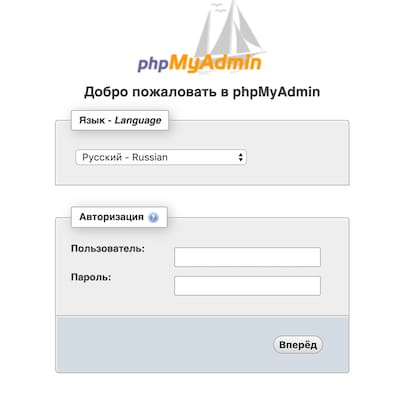
You can view the list of databases on a Linux server using an installed tool called PhpMyAdmin.
It is usually available at https://your_ip/phpmyadmin/
How to optimize a database, step by step
1) Inside, select the database whose internal tables we are going to optimize - in other words, defragment.
This process noticeably speeds up query selection and the operation of the database as a whole.
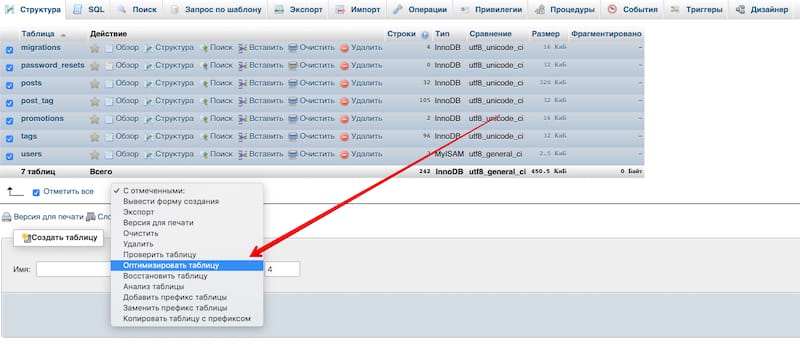
2) Select all the tables and choose the "Optimize table" option in the drop-down list
3) Once the optimization process is complete, you will see the following result
