To check the channel load on a dedicated or virtual server, you need to install a special program.
In our case it will be iftop
Checking the channel load, instructions
Log in to the console as the root user and enter the command to install the program
# apt-get install iftop - for Debian
# yum install iftop - for CentOS
During installation, the file size will be shown and you will be asked for confirmation; type "Y" and press Enter.
After installation, run the command
# iftop
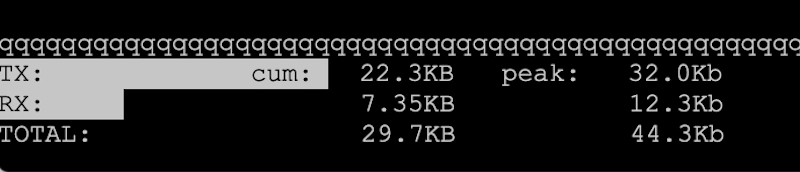
TX — outbound traffic
RX — inbound traffic
Total - shows the total load on the channel